
Suppliers may submit a draft artwork for your job that requires your approval, this should indicate to you what print colours are used, artwork placement, product layout etc.
- On submitting a product / job request, your artwork files will be uploaded
- The supplier will place these artwork files onto the product for your review
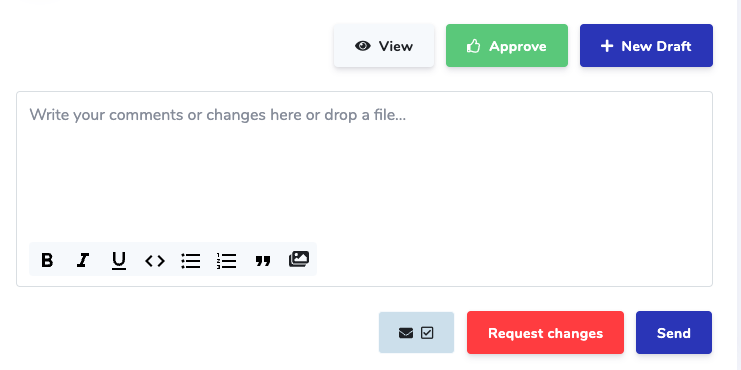
- If you require changes you can do this from writing your changes into the text area & clicking ‘request changes’
- Once you are happy with the artwork draft, Click Approve
If you’re creating a product from this job, the approved draft image will be used as the default image for the newly created product. You may update the product images after the product is created but you should avoid changing the artwork as it’s already agreed upon with the supplier.
Comments
0 comments
Please sign in to leave a comment.