
The Merchi Marketplace offers a range of products from our global supplier network. You can choose and customise one or multiple products from the Marketplace and add to you store for your fans / customers to buy.
Please follow the below steps to add a product from the Marketplace to your store:
- Click here to open the Merchi Marketplace
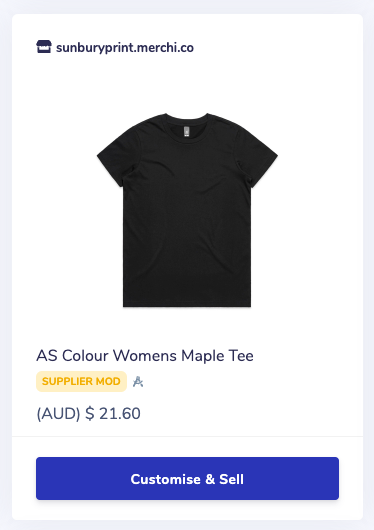
- Browse through the products. You will see the Supplier name at the top, an image and name of the product as well as the Supplier cost for that product
- Select Customise & Sell
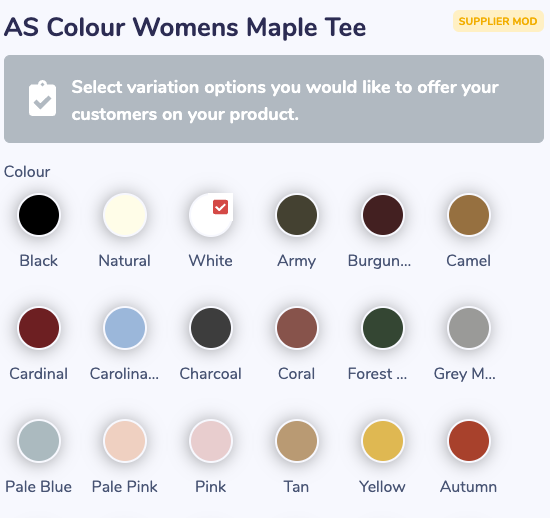
- Select the variations that you would like to offer your customers for this product eg: colours and sizes
- Click Request Customisation
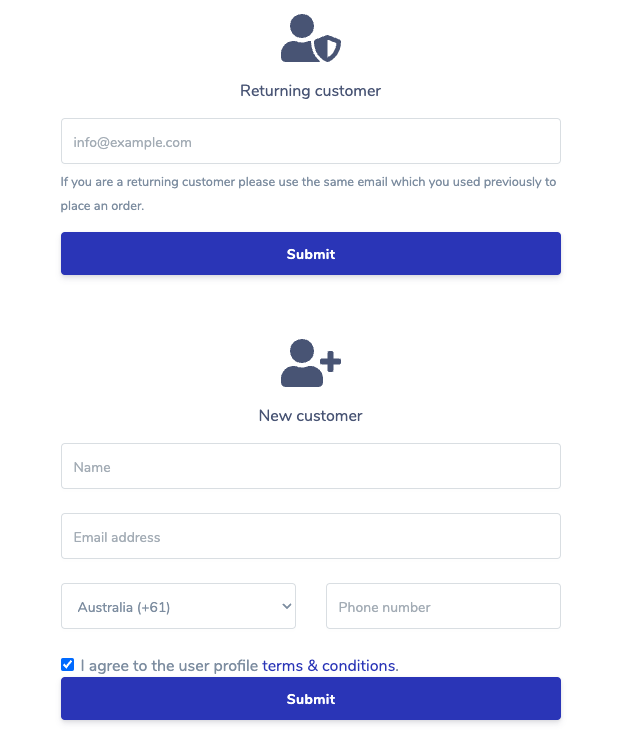
- Enter your email address associated with your Merchi store
- If you do not have a Merchi store, fill in the details for a new customer and follow the prompts to set up your store
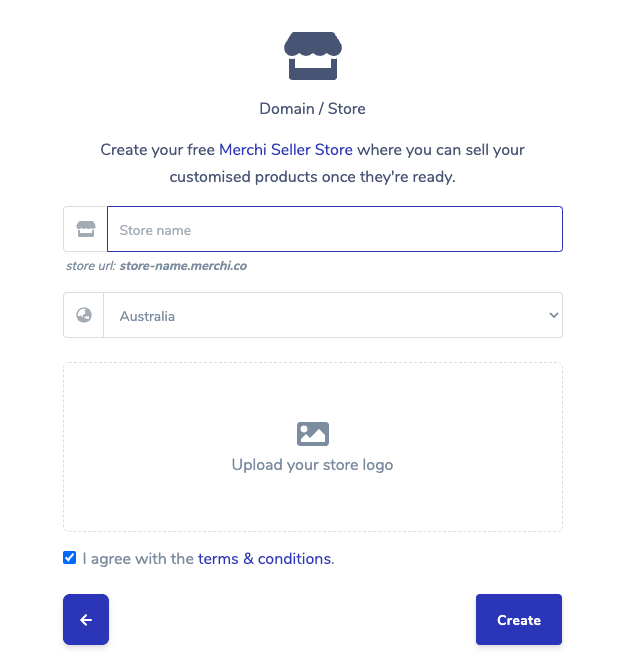
- Enter your store details and upload your store logo
- Click Create
- The confirmation page is next. Review all details are correct, select → and this product, including the artwork has now been sent back to the Supplier and the Drafting process begins
- Click here to see how the Drafting process works
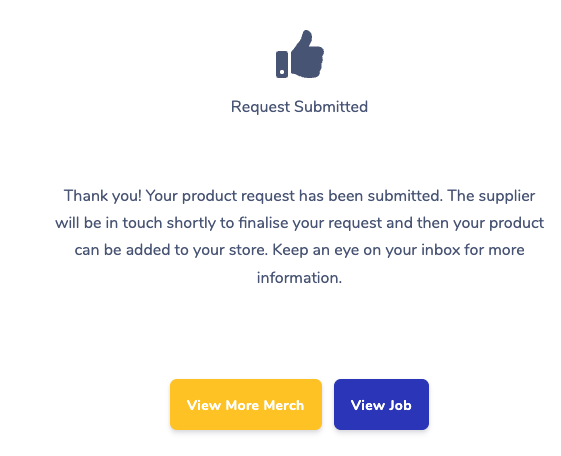
- View More Merch will take you back to the Marketplace and you can add further products to your store
- Select View Job to review the product status and this is where the Drafting process takes place between with your Supplier and Seller
Comments
0 comments
Please sign in to leave a comment.