
Source and customise new products for your Shopify store by following these steps:
- Navigate to Merchi''s customisable merchandise.
- Search through and find products you think might make a nice addition to your Shopify store's product portfolio. To select a product to customise, click on the "Customise & Sell" button.
- Once the product profile has loaded, review the product information to make sure it suits your requirements and then click "Request Customisation".
- "Request customisation" will display the product customisation modal. The steps to request your new custom product will depend on the suppliers product profile settings.
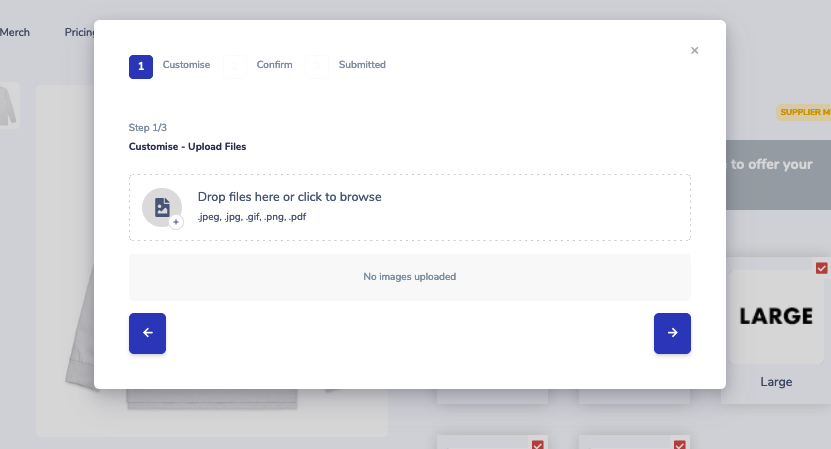
- Follow the steps in the "Request customisation" modal to submit your custom product request to the product supplier for design drafting. In most cases you'll need to:
a) Upload the graphics/design you want on your product. Some suppliers will allow you to create your own design, other suppliers will request files from you, for them to create a draft for your approval..
b) Confirm selected variation options and artwork.
c) Once your request has been submitted, the supplier will be notified and will review your request.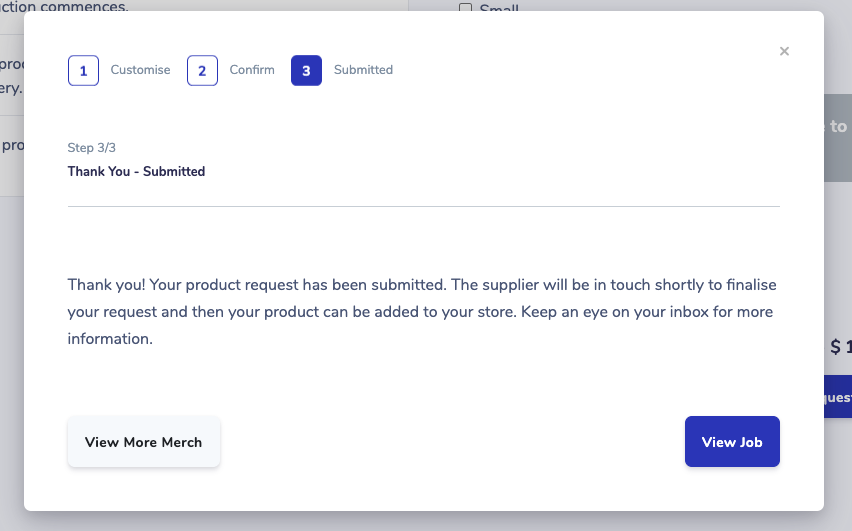
- You can view the progress of your request via the job profile. Access the job profile by clicking the "View Job" button.
Next Product confirmation and creation.
Comments
0 comments
Please sign in to leave a comment.